For years, desktop PC users have struggled with a seemingly simple task: adjusting the brightness of their external monitors. Unlike laptops, which come with built-in brightness keys, external displays often require physical buttons and clunky OSD menus. We built BrightnessSlider to fix that.
The Insights Speak for Themselves
When we launched BrightnessSlider on the Microsoft Store, we knew there was demand for a lightweight Windows brightness control app. In the last month alone, the Insights dashboard showed strong traction:
A 16.43% conversion rate proves that when users find BrightnessSlider, it matches their intent. The 99.07% install success rate also shows the stability and lightweight nature of the application.
Behind the Scenes
Building a utility that feels native to Windows requires careful attention to detail. We use the Display Data Channel Command Interface (DDC/CI) protocol to communicate directly with external monitors. This allows BrightnessSlider to change monitor hardware backlight instead of relying only on software dimming.
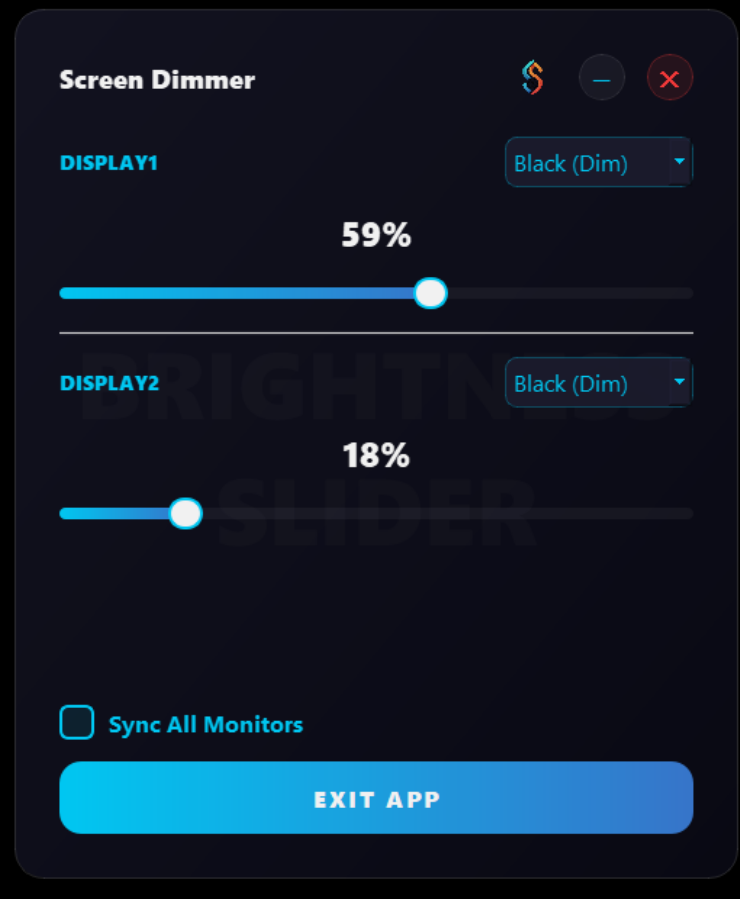
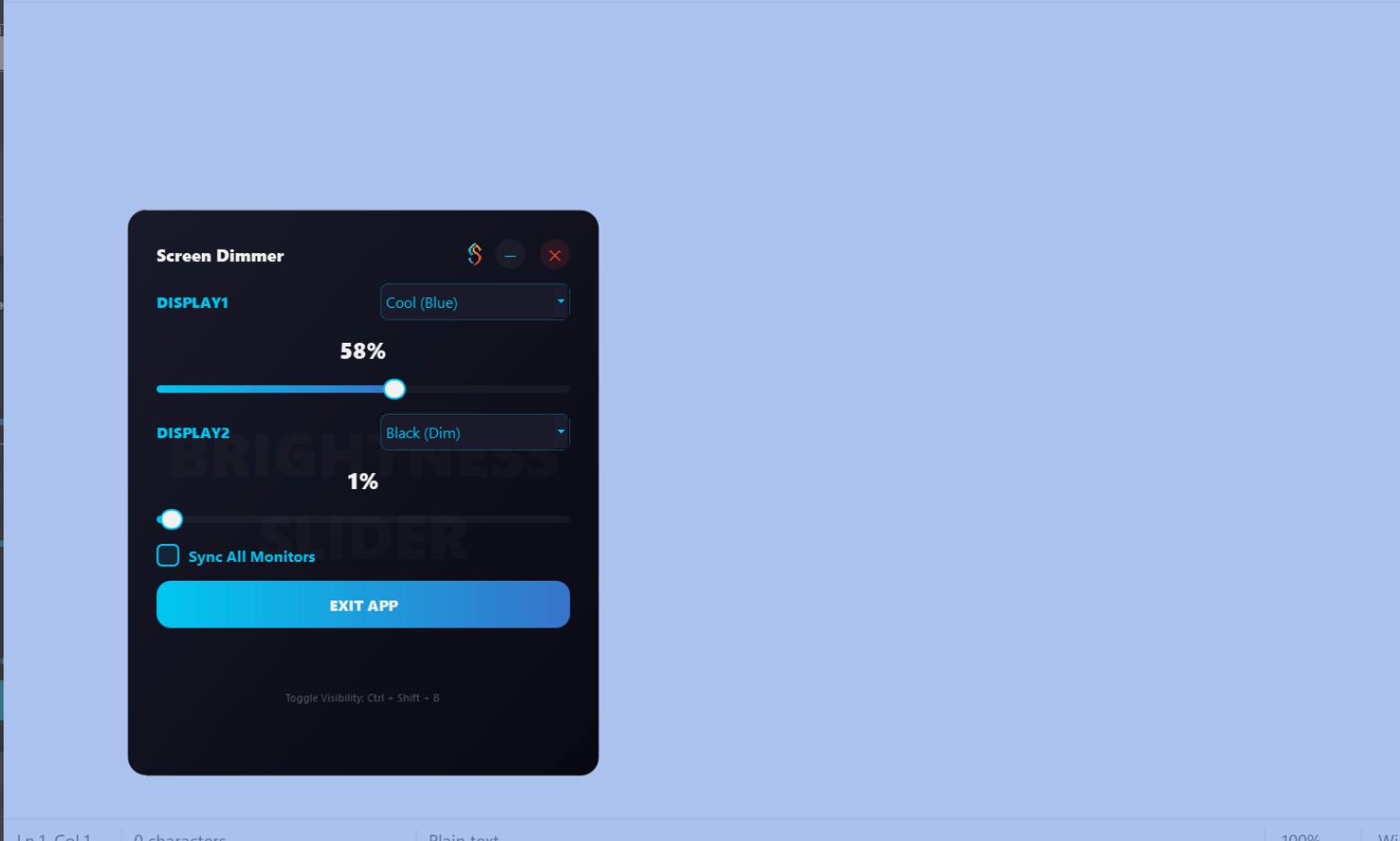
Technical Architecture & Stack
When designing BrightnessSlider, our primary goal was zero startup lag and a minimal memory footprint. Instead of relying on heavy frameworks, we chose a native Windows architecture:
- Native C++ Core: Fast execution and low memory usage while running in the background.
- Win32 API & GDI+: Native UI rendering for custom widgets without heavy runtime overhead.
- DDC/CI Protocol: Hardware-level monitor control using Windows monitor configuration APIs.
- Layered Windows Overlay: Transparent OSD and software dimming fallback support.
- System Robustness: Single-instance guard, DPI awareness, and lightweight crash logging.
What's Next?
We are refining multi-monitor grouping, customized hotkeys, and automatic time-of-day brightness adjustments so the app keeps getting better for daily Windows users.
Ready to take control of your screens?
Experience BrightnessSlider yourself. It is free, lightweight, and available on the Microsoft Store.