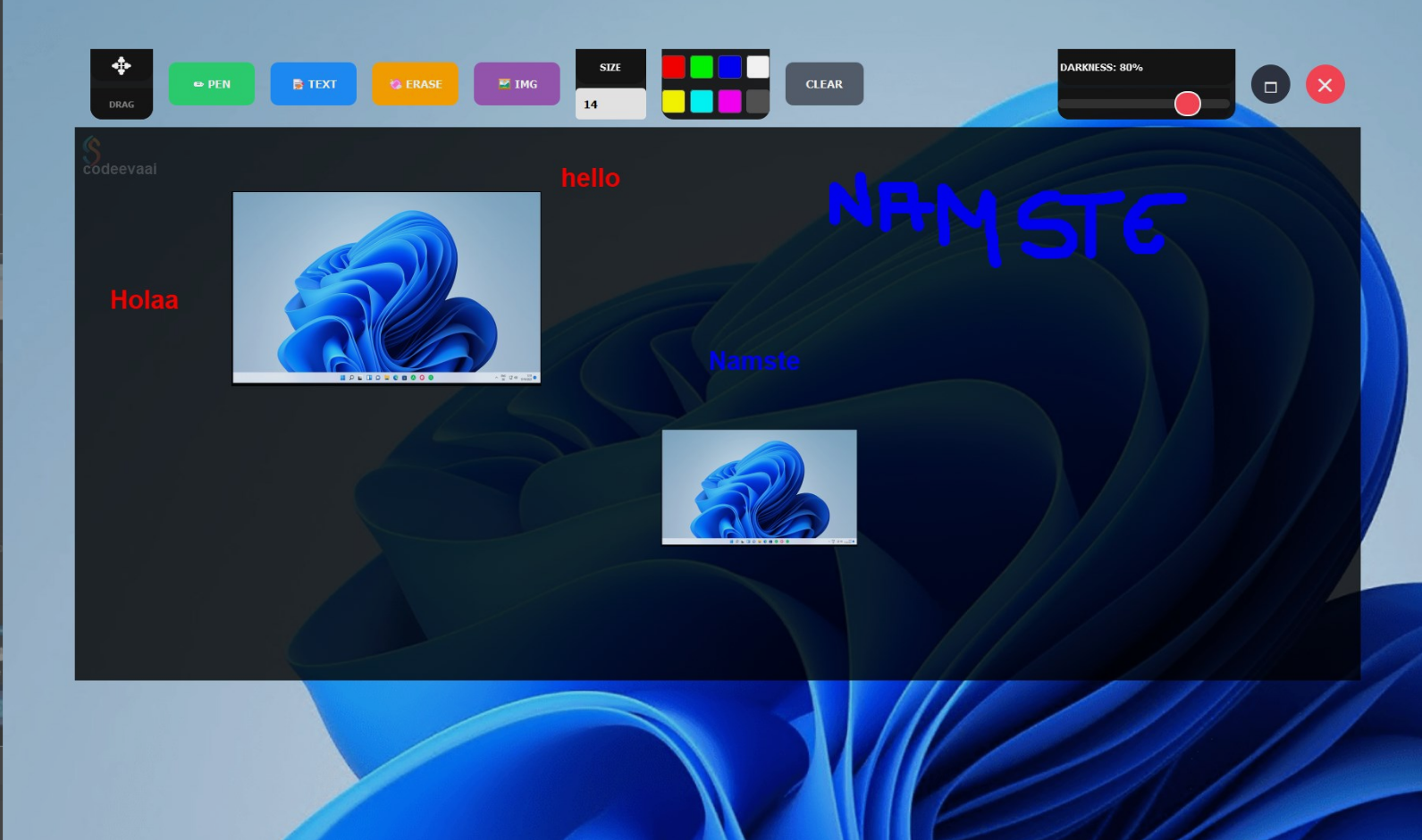
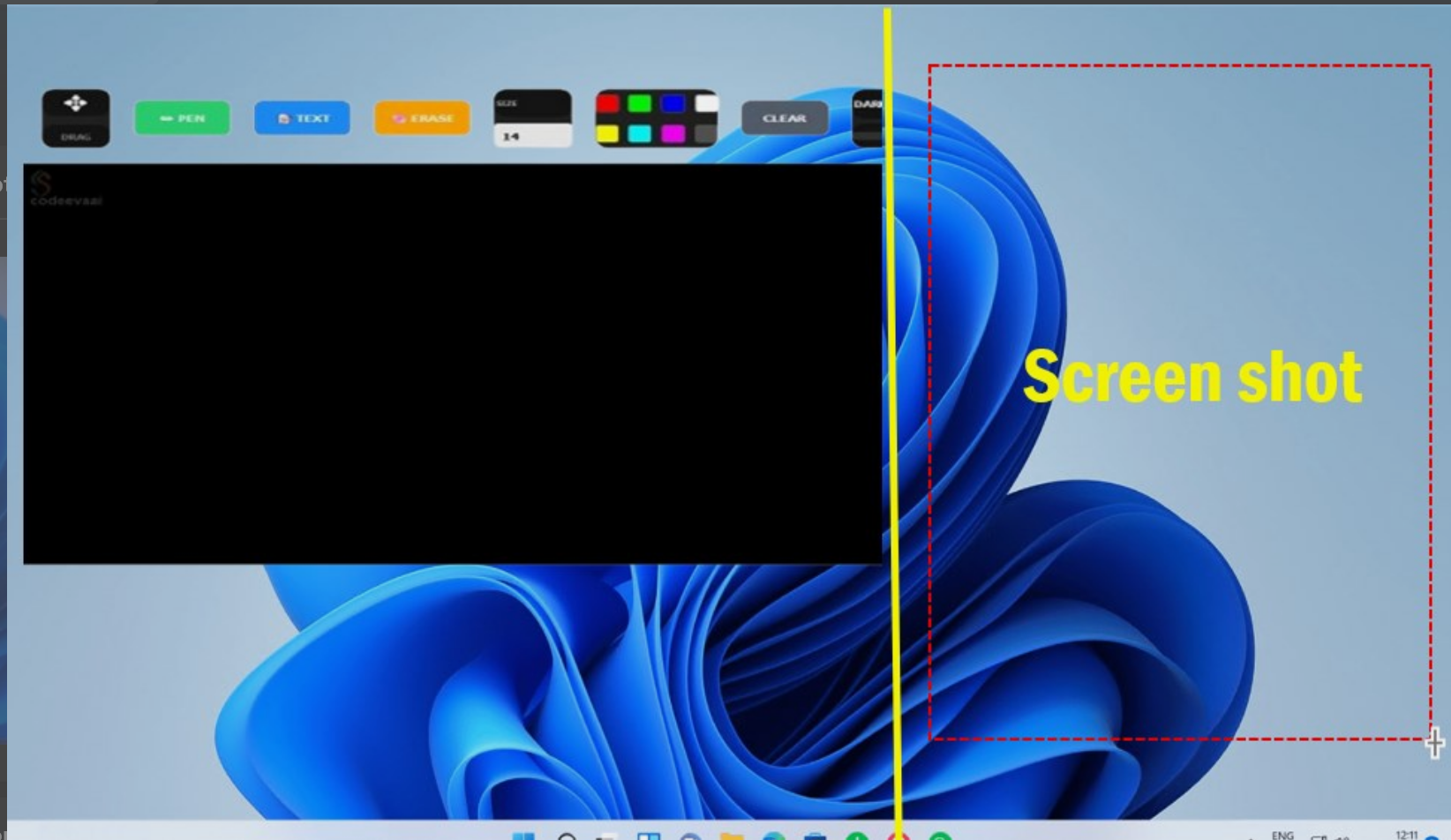
Privacy matters. For professionals working with sensitive data in open offices or shared environments, traditional notepads are a liability. We built Invisible Notepad as a solution: a completely transparent, highly obfuscated text editor that floats above your screen, virtually undetectable to anyone not sitting directly in front of the monitor.
The Insights Speak for Themselves
When we launched Invisible Notepad on the Microsoft Store, we knew there was demand for a stealthy utility. In the last month alone, the Insights dashboard showed strong traction:
A 11.5% conversion rate proves that when users find Invisible Notepad, it perfectly matches their privacy needs. The 100% install success rate confirms the robust PyInstaller and Inno Setup configuration.
The Tech Stack
Building a secure and invisible application requires stepping away from standard frameworks. We leveraged Python combined with advanced obfuscation techniques.
Deep Dive into the Architecture
The core of the Invisible Notepad is its OverlayApp, built using PyQt5. By stripping away window decorations and forcing maximum transparency, the text input area blends seamlessly into whatever application you are running underneath.
- Global Exception Handling: A custom exception hook intercepts all critical errors, logging them to
crash_report.login the user's Local AppData directory to avoid permission issues while keeping failures silent and secure. - Advanced Obfuscation: Python source code is notoriously easy to decompile. We engineered a dual-stage build pipeline (
build_pipeline.bat/build_secure.py) that uses PyArmor to scramble the logic and encrypt the bytecode before it gets packaged into an executable using PyInstaller. - Stealth Packaging: The custom
stealth.specfile ensures the final executable doesn't spawn command prompt windows, keeping the application entirely hidden from casual observers in the taskbar.
The Future of Stealth Utilities
As remote work and shared workspaces become the norm, the need for on-screen privacy will only grow. Future iterations of Invisible Notepad will include AES-256 local file encryption and hardware-bound execution keys to ensure notes are only readable by the authorized user, on the authorized machine.
Secure Your Notes Today
Download Invisible Notepad and protect your confidential information from shoulder surfers. Available on the Microsoft Store.