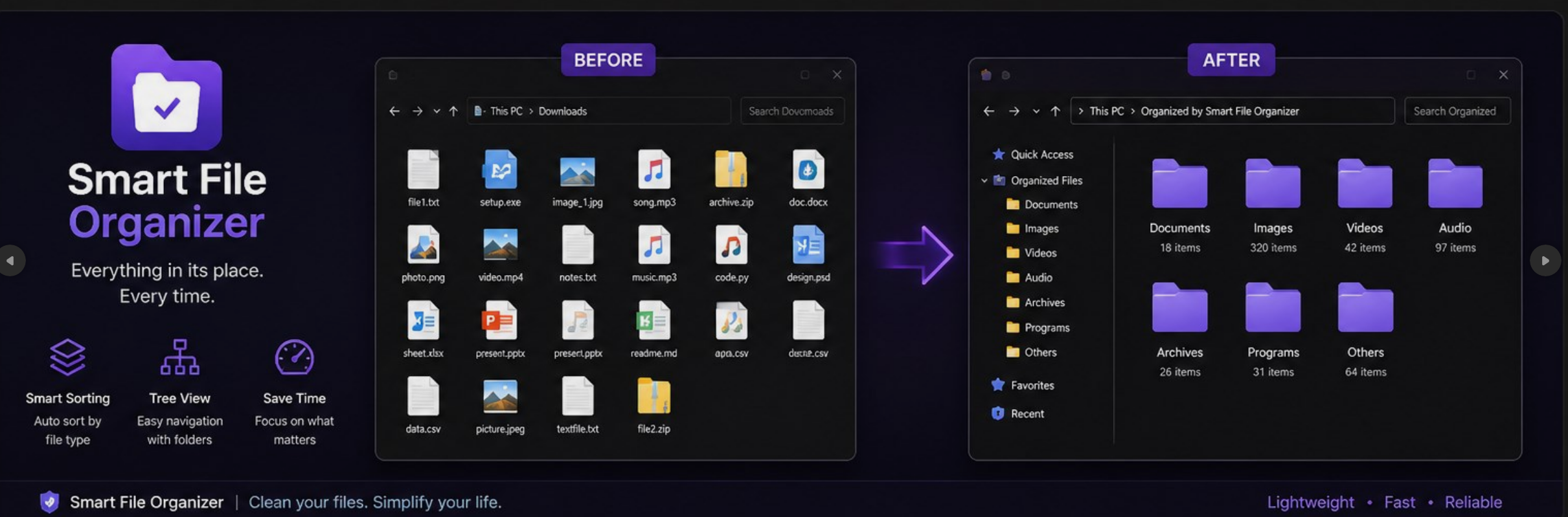
Modern desktop applications often rely heavily on Chromium-based frameworks like Electron. While these frameworks accelerate development time, they introduce massive memory overhead and sluggish filesystem operations. When we set out to build the Smart File Organizer, we took a different path: zero Electron, zero Node.js, and zero external JSON libraries.
The Insights Speak for Themselves
When we launched Smart File Organizer on the Microsoft Store, we knew there was demand for a fast, native file management utility. In the last month alone, the Insights dashboard showed strong traction:
A 7.50% conversion rate and a 100% install success rate prove that the application performs flawlessly on target devices, maintaining high reliability and performance.
The Architecture
Smart File Organizer is built on a Pure C++17 Core combined with a Microsoft WebView2 UI. This hybrid approach allows us to deliver a gorgeous, hardware-accelerated user interface via standard web technologies (HTML/CSS/JS) while keeping all the heavy lifting in native C++.
Deep Dive into File Operations
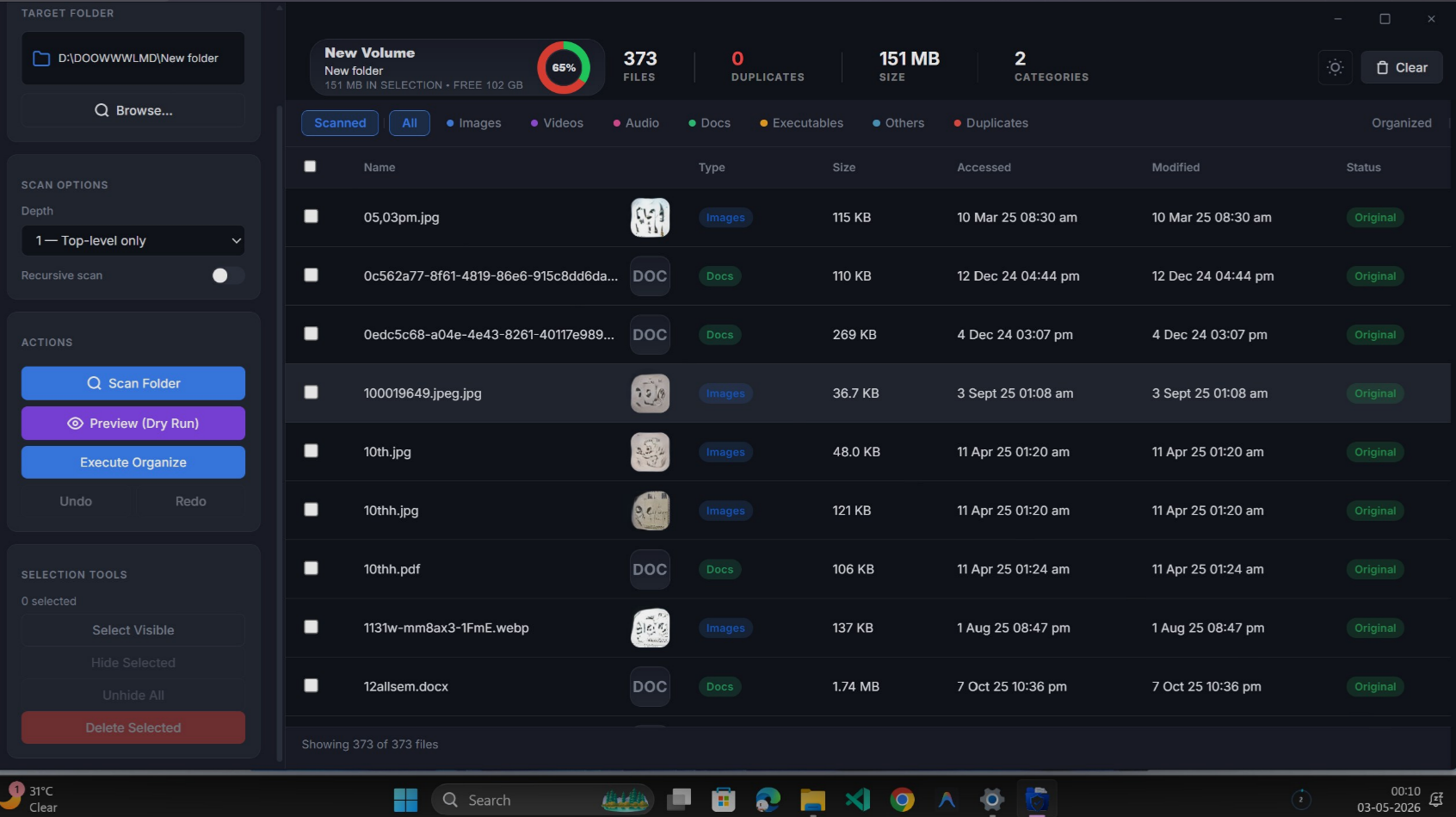
Scanning thousands of files requires more than just calling standard filesystem APIs. We built a custom FileScanner that utilizes true Win32 metadata to fetch accurate 'Last Access' timestamps, something Node.js struggles with when Windows NTFS access tracking behaves unexpectedly.
- Duplicate Detection: Our algorithm uses exact byte-size bucketing first, followed by a fast FNV-1a sample hash, and finally a full-file verification for matching candidates. This ensures zero false positives while maintaining speed.
- IPC Flow: We established a lightning-fast bridge using the
IDispatch COMinterface. The JavaScript frontend callswindow.chrome.webview.hostObjects.sync.sample.ScanFolder(path)which launches astd::threadfor blocking scans natively. - Undo / Redo Architecture: Every operation generates a
last_organize.tsvlog. This persisted history allows the app to cleanly undo the last organize batch, even after an application restart.
Safety Guarantees
Moving user files is risky. We implemented strict rules in the C++ layer: the app skips symlinks to prevent loops, checks root_name() to prevent accidental cross-drive transfers, appends sequential suffixes for collisions, and gracefully handles permission-denied errors via per-file try/catch blocks.
Try Smart File Organizer
Organize your cluttered folders into categorized subfolders safely and quickly. Available for Windows.